
Python Basics: What to Learn First (and What You Can Skip)
Learn Python from scratch: core concepts, environment setup, best free resources, common beginner mistakes, and where Python skills can take your career.
Updated 13 min read

Learn Python from scratch: core concepts, environment setup, best free resources, common beginner mistakes, and where Python skills can take your career.
Python is a free, open-source programming language with English-like syntax that beginners can read and run within minutes of installation. According to the Stack Overflow 2025 survey, 57.9% of developers use Python in their work, making it the most widely adopted language on the planet. The TIOBE Index ranks it #1 with over 21% market share.
This guide covers everything you need to know to start learning Python: what to install, which concepts to study first, the best free resources, common beginner mistakes, and where Python skills can take your career.
Python is a high-level, interpreted programming language created by Guido van Rossum and first released in 1991. "High-level" means it handles memory and hardware details automatically, so you focus on solving problems instead of managing infrastructure. "Interpreted" means you run code line by line without a compilation step: type a command, see the result immediately.
Its syntax is deliberately close to plain English. A Python loop reads almost like a sentence: for item in list: followed by what you want to do with each item. That readability is why so many universities now teach Python as a first language.
Python's dominance has accelerated alongside the AI boom. The language powers most major AI frameworks including TensorFlow and PyTorch, and GitHub confirmed it overtook JavaScript as the most-used language on the platform in 2024. For beginners, this matters because you're learning a skill with compounding career value, not a niche tool that could fade.
The Bureau of Labor Statistics projects software developer employment to grow 15% from 2024 to 2034, much faster than the average for all occupations. Python is at the center of that demand.
Python has no single "correct" learning path, but the concepts build on each other. Learn in this sequence and you'll avoid the confusion that comes from jumping ahead.
Start with three things: variables, data types, and print/input. These are the atoms of every Python program.
A variable stores a value. A data type defines what kind of value it is: a string ("hello"), an integer (42), a float (3.14), or a boolean (True/False). The print() function displays output; input() reads what the user types.
name = input("What's your name? ")
print("Hello, " + name)
This two-line script already uses variables, strings, and two built-in functions. Run it, see it work, and you've written your first Python program.
Python has four built-in data structures beginners use constantly:
Structure | What It Is | Example |
|---|---|---|
List | Ordered, mutable sequence |
|
Tuple | Ordered, immutable sequence |
|
Dictionary | Key-value pairs |
|
Set | Unique, unordered values |
|
Dictionaries have 22,200 monthly searches on their own; they're one of the most-used structures in real Python code. Master them early.
Control flow is how you make decisions and repeat actions in code. There are two main tools:
Conditionals: execute code based on a condition:
score = 85
if score >= 90:
    print("A")
elif score >= 80:
    print("B")
else:
print("C")Loops: repeat actions over a sequence or until a condition is met:
for fruit in fruits:
    print(fruit)

count = 0
while count < 5:
    print(count)
count += 1Functions let you write code once and reuse it. They're the foundation of every program larger than a script.
def greet(name, greeting="Hello"):
    return f"{greeting}, {name}!"

print(greet("Maya"))          # Hello, Maya!
print(greet("Maya", "Hi"))    # Hi, Maya!
The def keyword defines the function. return sends back a value. The greeting="Hello" syntax sets a default argument, so the function works with or without it.
Python ships with a huge standard library with over 200 built-in modules covering everything from math to file compression to email sending. You never need to install these; they're part of the language. Use import to pull in what you need:
import random
import datetime

print(random.randint(1, 100))
print(datetime.date.today())
For third-party packages, use pip, Python's package manager. With a single command you can install any of the 600,000+ packages on PyPI:
pip install requestsBefore installing packages in any project, create a virtual environment to isolate dependencies:
python -m venv env
source env/bin/activate    # macOS/Linux
env\Scripts\activate       # Windows
This prevents one project's packages from breaking another's, a habit worth building from day one. Many beginners skip this step and spend hours debugging mysterious import errors weeks later. The five-second setup pays off within the first month.
Errors are not failures. They're Python's way of telling you what went wrong and where. Learn to read them, then learn to handle them:
try:
    number = int(input("Enter a number: "))
    result = 100 / number
    print(result)
except ValueError:
    print("That's not a number.")
except ZeroDivisionError:
    print("Can't divide by zero.")
finally:
    print("Done.")
The try block runs the risky code. except catches specific errors. finally runs regardless of what happened.
Reading and writing files is where Python becomes genuinely useful for automation:
# Writing to a file
with open("notes.txt", "w") as f:
    f.write("Python is worth it.\n")

# Reading a file
with open("notes.txt", "r") as f:
    content = f.read()
    print(content)
The with statement (a context manager) automatically closes the file when the block ends, even if an error occurs. Always use it over manual open() and close() calls.
OOP is not required for most beginner projects, but understanding it unlocks larger codebases and every major Python framework. Django, Flask, SQLAlchemy, and pytest are all built around classes. Learning basic OOP before reaching a framework saves significant frustration.
class Dog:
    def __init__(self, name, breed):
        self.name = name
        self.breed = breed

    def bark(self):
        return f"{self.name} says: Woof!"

my_dog = Dog("Rex", "Labrador")
print(my_dog.bark())
A class is a blueprint. An object is an instance of that blueprint. `init is the constructor: it runs when you create a new object. self` refers to the specific instance being created or modified. Start here and don't worry about inheritance, class methods, or decorators until you need them in a real project.
Most beginners don't realize how much Python includes out of the box. Here are the standard library modules you'll use constantly:
Module | What It Does | Example Use |
|---|---|---|
| File system operations, paths | Rename files, list directories |
| Python interpreter info | Command-line arguments |
| Dates and times | Log timestamps, calculate durations |
| Random number and choice generation | Shuffle lists, generate passwords |
| Parse and write JSON | Read API responses, write config files |
| Read and write CSV files | Process spreadsheet data |
| Regular expressions | Pattern matching in strings |
| Mathematical functions | Rounding, logarithms, trigonometry |
| Modern file path handling | Cross-platform file operations |
| Specialized data structures | Counter, defaultdict, OrderedDict |
Before installing a third-party library with pip, check if the standard library already covers what you need. json, csv, datetime, and pathlib handle the majority of data wrangling tasks beginners encounter in their first projects.
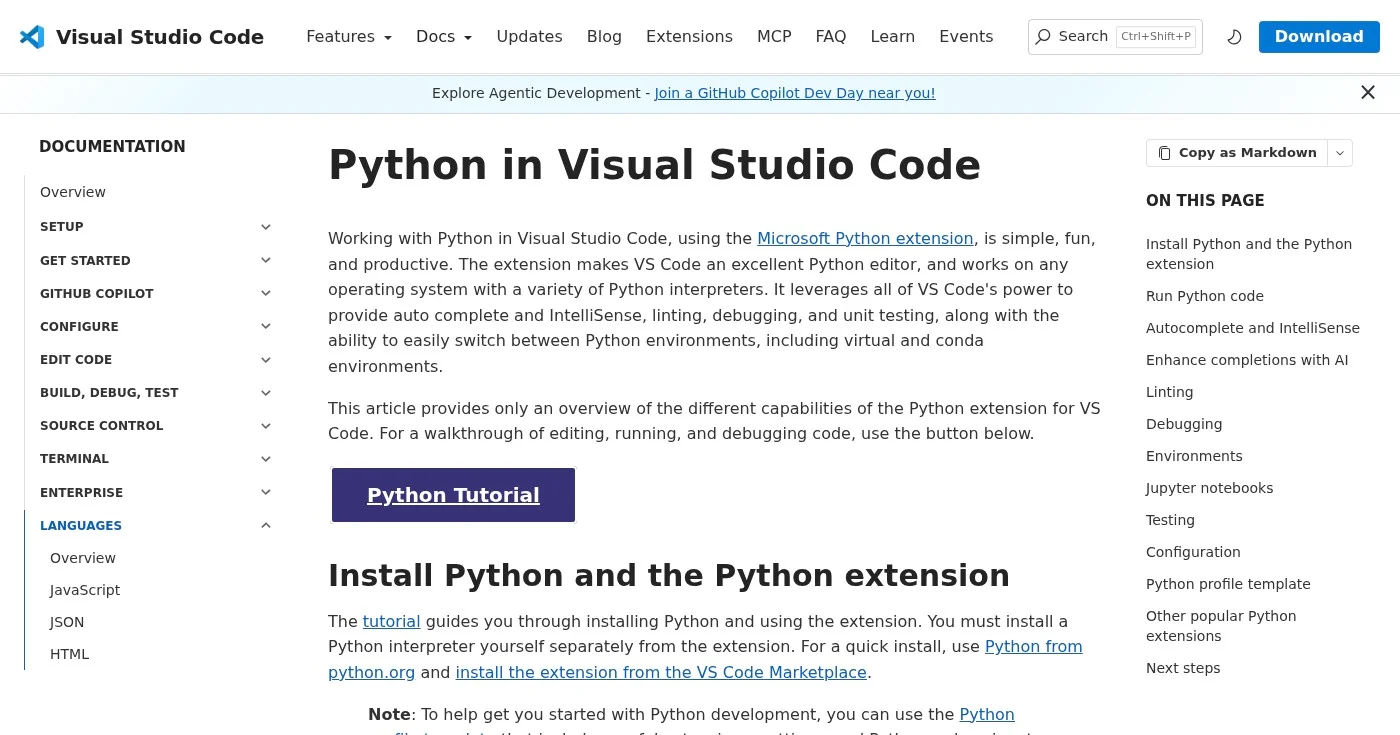
Tool | What It Does | Best For |
|---|---|---|
Built-in Python shell | Day 1 experimentation | |
Code editor | Most beginners (recommended) | |
Interactive coding + visualization | Data science learners | |
Full Python IDE | Learners who prefer IDEs |
Run your first script from the terminal:
python hello.pyIf you see your output, the setup is working. If you see command not found, Python wasn't added to your PATH: reinstall and check that box.
Python 2 reached end-of-life on January 1, 2020 and is fully obsolete. No modern library, tutorial, or employer supports it.
Install Python 3.12 or 3.13 and ignore any guide that mentions Python 2.
You don't need to spend money to learn Python. The free resources are excellent.
Resource | Format | Best For |
|---|---|---|
Text | Canonical syntax reference | |
Free book | Non-programmers, practical projects | |
Video + exercises | Structured, zero-cost curriculum | |
Video lectures | Rigorous academic introduction | |
Articles + video | Intermediate skills, specific topics |
Automate the Boring Stuff by Al Sweigart is the most-recommended beginner book in the Python community. It's free to read online and teaches real tools: web scrapers, file organizers, PDF processors, and spreadsheet automators.
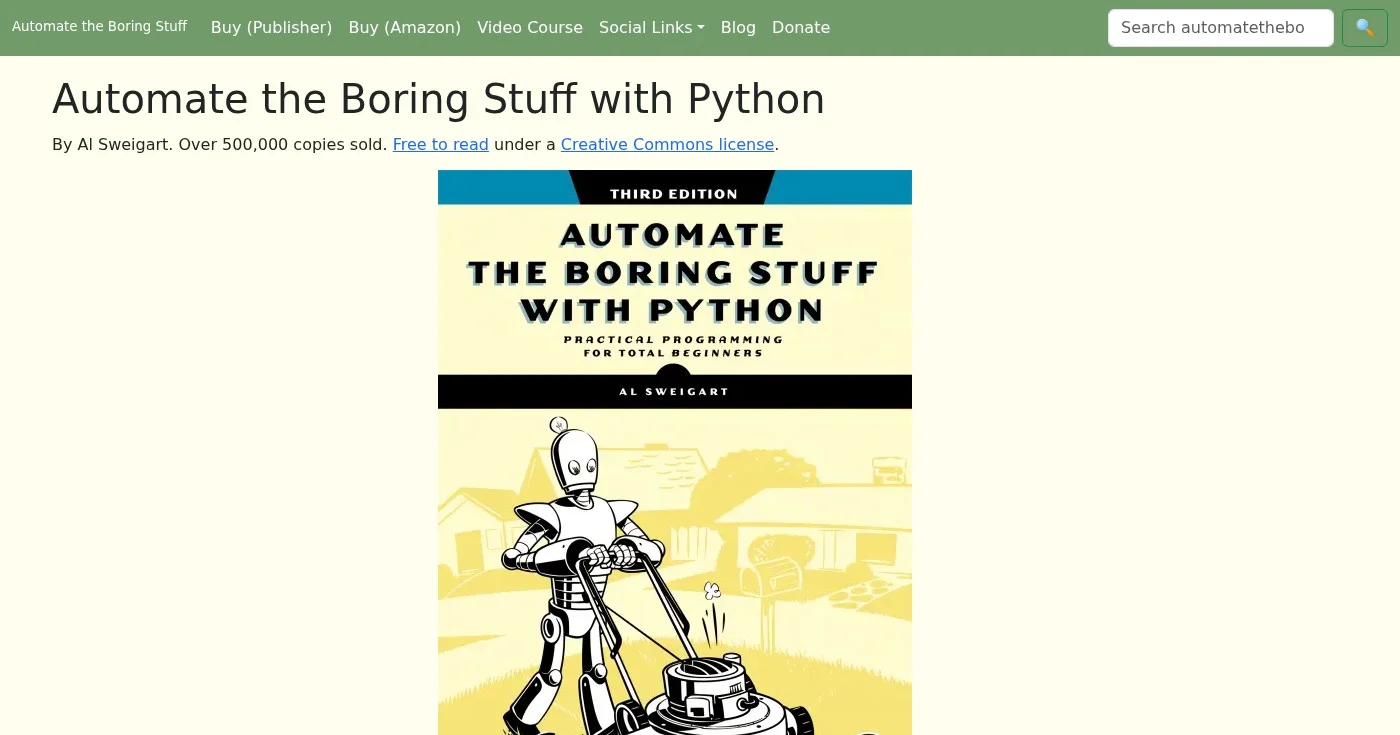
If you're learning Python to be more productive at your job, start here. See also the Python automation tutorials on Pynions for ready-to-run scripts.
CS50P from Harvard is the strongest free course for people who want rigorous fundamentals. You'll write unit tests, debug systematically, and work through graded problem sets, the same approach Harvard uses with paying students.
For paid options, Codecademy's Learn Python 3 course is the most interactive at around $20/month Pro, and the Python for Everybody Specialization from the University of Michigan on Coursera gives you a verifiable certificate.
Python is not a career in itself; it's a tool. The path you take after learning the basics determines what you do next. For a broader look at salary data and job demand across specialties, see Python career statistics.
You'll use pandas for data manipulation, NumPy for numerical computing, and Matplotlib or Seaborn for visualization. This path has the most beginner-friendly job market and the highest volume of tutorials and bootcamps.
The most in-demand path right now. Libraries include TensorFlow, PyTorch, and scikit-learn. It requires comfort with statistics and linear algebra, so most beginners reach it after 12-18 months of Python practice.
Django is a full-featured framework for building web applications; Flask and FastAPI are lighter options for APIs. Django was originally used to build Instagram, Pinterest, and Disqus, and remains a production framework at many large companies.
This is where many beginners find the fastest practical wins. With 20 hours of Python knowledge you can write scripts that rename files in bulk, scrape data from websites, and interact with APIs.
Automate the Boring Stuff is built around this path. Key libraries: requests for HTTP, beautifulsoup4 for HTML parsing, openpyxl for Excel, and schedule for task scheduling.
Python is the dominant language for test automation. pytest is used by most engineering teams for unit and integration tests, and Selenium and Playwright support browser-based testing in Python. QA engineers who know Python are consistently in demand and often earn salaries comparable to software developers.
According to Glassdoor, the median total pay for a Python developer in the US is $129,000, with the range running from $96,000 to $170,000. Entry-level roles start at around $96,000 for developers with less than one year of experience. The BLS median for all software developers is $133,080.
Here's what a practical beginner script looks like after 4-6 weeks of learning. This script reads a CSV file of expenses, filters by category, and calculates a total:
import csv
from pathlib import Path

def load_expenses(filepath):
    expenses = []
    with open(filepath, newline="") as f:
        reader = csv.DictReader(f)
        for row in reader:
            expenses.append(row)
    return expenses

def total_by_category(expenses, category):
    filtered = [e for e in expenses if e["category"] == category]
    return sum(float(e["amount"]) for e in filtered)

if __name__ == "__main__":
    path = Path("expenses.csv")
    data = load_expenses(path)
    food_total = total_by_category(data, "food")
    print(f"Total spent on food: ${food_total:.2f}")
This 20-line script uses: import, pathlib, csv.DictReader, functions, list comprehensions, sum(), f-strings, and the `if name == "main"` pattern. Every concept it uses appears in Phases 1-5. This is the goal for month one: real scripts that solve real problems using fundamentals you understand.
Following along with a tutorial and running code you don't understand builds false confidence. Every time you type a block of code, close the tutorial and try to rewrite it from memory. The friction is the learning.
Video tutorials feel productive, but they're not. Reading about loops and writing a loop are different cognitive acts.
After every new concept, build something, even something trivial. A number guessing game or a password generator is enough.
Installing packages globally leads to version conflicts between projects. Create a venv for every project from day one. It takes 10 seconds and saves hours of debugging later.
Beginners often scroll past errors or paste them into a search engine without reading them. Python's error messages are specific: they tell you the file name, line number, and type of error.
Read the message first. The answer is usually there.
The temptation is to learn Django or Flask before you're solid on functions, loops, and classes. Frameworks are Python code with more layers on top. If the bottom layer is shaky, the framework will confuse you.
Professional developers look things up constantly. The goal is understanding concepts and patterns, not memorizing method names. Keep docs.python.org open in a tab.
Coding for 5 hours on Saturday is less effective than coding for 30 minutes every day. The spacing effect applies: daily practice builds stronger recall than binge sessions.
GitHub has millions of open-source Python projects. Reading other people's code teaches you patterns, idioms, and approaches you'd never discover by writing only your own code. Start with small, well-documented repos in areas you care about: data analysis scripts, automation tools, or simple CLI utilities.
A useful exercise: pick a repo with 50-200 lines of Python, read every line, and try to explain each block in plain English. If you can't, you've found a concept worth studying.
Here are eight projects that reinforce the core concepts without requiring any external libraries:
Once these feel easy, move to projects with external libraries: a weather CLI app with requests, a web scraper with beautifulsoup4, or a spreadsheet automation with openpyxl.
Python rewards methodical learning. Work through the phases in order, build something after every concept, and practice daily over months rather than cramming in marathon sessions. The syntax will become second nature.
Once you're comfortable with functions and data structures, pick one direction: data science, automation, or web development. Go deep; the breadth comes later.
The career paths are real, the tooling is excellent, and the community at r/learnpython and PyLadies is consistently beginner-friendly.
Your next step: install Python 3 from python.org, open VS Code, and write your first 10-line script.
Streamlit turns a Python script into a data app by rerunning the whole file. Covers session state, cache, Community Cloud caps, and when FastAPI wins.
Python wins data, ML, and automation; JavaScript wins the browser, and Node.js wins I/O-heavy APIs. If you can pick only one, pick the job.
A Python context manager is the with protocol: __enter__/__exit__, contextlib helpers, custom classes, and async with. Files are an example, not the definition.
